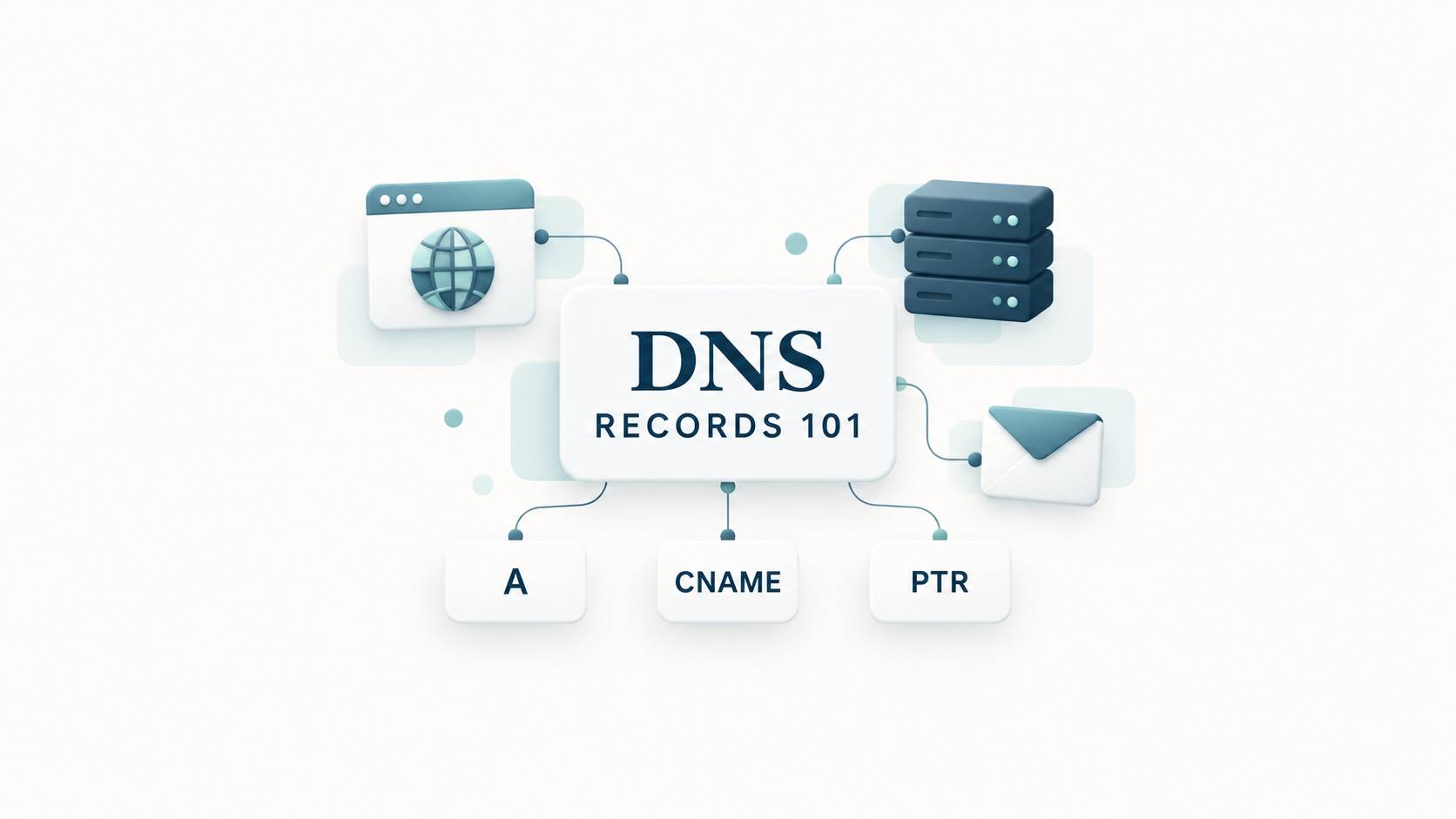
You have bought a domain and signed up for a website or email service. Then someone asks you to “add an A record” or “update your MX records”. What does that mean?
DNS records are settings that help connect your domain to the services it uses. Some help people reach your website. Others direct email or prove that you control the domain.
You do not need to understand every technical detail to learn the basics. Let's start with the names you are most likely to see.
What is DNS, and what is a DNS record?
DNS means Domain Name System. It helps computers find services using names people can remember, such as example.com.
Computers connect using IP addresses: network addresses such as 192.0.2.10. DNS can look up the address associated with a name. A DNS record is one entry containing that information. Different record types hold different information.
If domains themselves are new to you, our domain-name guide explains how they differ from websites and hosting.
When you enter a website address, a DNS lookup service finds the information your browser needs to reach it. If the service hasn't saved that information already, it asks a series of DNS servers where to find it. It then saves the answer temporarily to make future lookups faster. This temporary storage is called a cache.
Where do you manage DNS records?
You will usually change your DNS records through the company that manages your domain's DNS settings. This may be different from the company where you bought your domain.
Three companies might be involved:
- Your domain registrar is where you register and renew the name.
- Your DNS provider stores and manages its DNS records.
- Your hosting provider runs your website or email service.
One company can do all three jobs, but it does not have to.
In a DNS dashboard, you will usually see a record's name, type, value and TTL. The name might be www; the type might be A; the value might be an IP address. TTL controls how long answers are saved—we will explain that shortly.
Many dashboards use @ for the main domain, such as example.com, and www for www.example.com.
The domains and IP addresses below are examples, not settings to copy into your own account.
What is an A record?
An A record connects a name to an IPv4 address, an IP address written as four numbers separated by dots.
For example:
Name: example.com
Type: A
Value: 192.0.2.10
This says: “For this name, use this address.” You might update an A record when moving your website to another server—a computer that hosts the site.
The value is just the IP address, without https:// or a page name. Your hosting provider must also configure the server to serve your website; DNS alone does not do that.
What is an AAAA record?
An AAAA record does the same job as an A record, but for an IPv6 address. IPv6 is a newer address format that allows many more addresses than IPv4.
An example value is 2001:db8::10.
A website can use both A and AAAA records. When moving it, both need checking: an old AAAA record could still send some visitors to the previous server.
What is a CNAME record?
A CNAME record connects one name to another name, rather than directly to an IP address. CNAME stands for canonical name.
For example, www.example.com could have a CNAME pointing to example.com. DNS follows that second name to find the address. Think of the first name as an alternative name for the same destination.
A CNAME does not redirect visitors by itself. It does not change the address displayed in their browser.
However, a CNAME can point a subdomain to a server configured to redirect visitors to another web address. The server performs the redirect; the CNAME only helps visitors reach that server.
A CNAME cannot share the exact same name with ordinary A, MX or TXT records. It also cannot normally be used for the main domain itself, such as example.com. Microsoft's DNS guide explains these restrictions. Some providers offer special alternatives, such as CNAME flattening, for the main domain.
What is a PTR record?
A PTR record, or pointer record, works in the opposite direction to an address lookup: it helps find a name from an IP address. This is called reverse DNS.
For example:
A lookup: mail.example.com → 192.0.2.10
PTR lookup: 192.0.2.10 → mail.example.com
PTR records are especially important for email servers. Receiving services can check whether the sending server's address has a matching name. Google's sender guidelines require that name to point back to the same sending IP address.
You will usually arrange a PTR record through the company providing the IP address, often your server host—not through your ordinary domain DNS dashboard.
A PTR record does not list every website sharing an address, and it does not guarantee that email will reach an inbox.
What is an MX record?
An MX record, short for mail exchanger, tells other email systems where to deliver incoming mail for your domain.
For example, an MX record for example.com could point to mail.example.com. Its value is a server name, not an IP address.
MX records also have priority numbers. Lower numbers are preferred: a server with priority 10 is tried before one with priority 20.
Your email hosting provider supplies the values you need. Adding an MX record does not create a mailbox or move old messages. If you are moving only your website, your email records will usually stay unchanged.
What is a TXT record?
A TXT record stores text. A service might ask you to add a particular TXT value to prove that you control your domain.
TXT records also support email checks called SPF, DKIM and DMARC:
- SPF lists which servers may send email using a domain in the message's behind-the-scenes sender information. That is not necessarily the address readers see in the From field.
- DKIM adds a digital signature to outgoing email. The receiver uses information published in DNS to check the signature and whether the signed parts were changed.
- DMARC checks whether successful SPF or DKIM authentication matches the domain in the visible From address. It also lets domain owners request reports and say how failed messages should be handled.
These checks help detect forged email. They improve your setup, but reputation and recipient complaints also affect delivery.
Your email provider should supply the records. As the SPF standard explains, there should not be multiple competing SPF policies for the same name. Adding a second email service may mean combining its settings with the existing policy.
TXT records are publicly readable, so they are not a place for passwords.
What about NS, SOA and the other records?
You may also see these names:
- NS: identifies the nameservers—the servers responsible for answering DNS questions about your domain.
- SOA: holds administrative details about your DNS records, including update and timing information. Your DNS provider usually manages it.
- SRV: tells compatible applications where to find a particular service, such as an internet phone service.
- CAA: specifies which certificate authorities may issue security certificates for your domain. It does not install a certificate itself.
- DS and DNSKEY: help support DNSSEC, a system for checking that DNS answers are authentic and have not been altered. DNSSEC does not make those answers private.
Most beginners will work with A, AAAA, CNAME, MX and TXT first.
What is TTL, and why do changes take time?
TTL means time to live. It tells DNS lookup services how long they can normally keep an answer before checking again. A TTL of 3600 means one hour.
After a change, some services may still have the old answer saved. This helps explain why one person sees your new website while another sees the old one. People often call this delay DNS propagation.
Lowering TTL now does not shorten the lifetime of answers already saved. For a planned move, lower it in advance and allow the old TTL to expire first.
There is no fixed waiting time for every DNS change. And waiting will not fix an incorrect record.
How can you check your DNS records?
A DNS lookup tool lets you enter a domain and choose a record type. You can compare the answer with the settings your provider gave you.
An “all records” option is not a complete list of everything under your domain. Records attached to other names, such as mail.example.com, may need separate checks.
Our WHOIS lookup checks domain registration information. That is a different job from checking DNS records.
Before changing anything, save the current settings. Change only what your provider requests, then test the actual website or email service—not just the lookup result.
The simplest way to remember it: A and AAAA find addresses, CNAME connects names, PTR looks backwards, MX directs incoming email, and TXT holds verification and email-security information.


Comments (0)
No comments yet. Be the first to share your thoughts!
Leave a Comment
Your email address will not be published. Required fields are marked *